
React to and comment on images
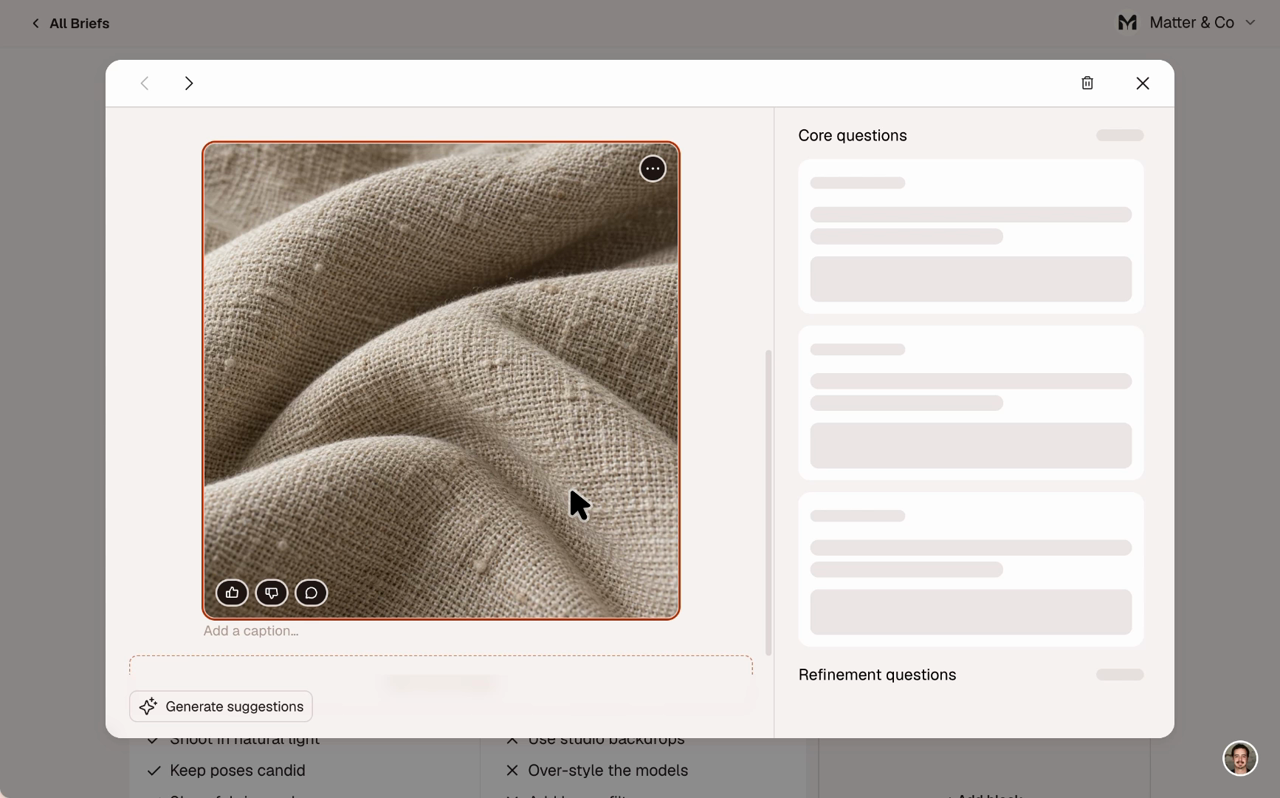
Give any image a thumbs up or down and see who reacted. Comment on a single image, or ask a question about it. Click the question and the image it's about lights up.
Let collaborators answer with images
Anyone answering a question can attach images to their answer, so a reference arrives with the reason behind it. Editors can add an answer's image to the block with one click.
Organize your references
Add captions, drag images into the order you want, or move one to another block. You can also download an image or copy it to your clipboard. Deleting one has Undo.
See who's on a brief
Dashboard cards and the canvas header now show an avatar stack of the people on each brief. You can tell at a glance who's in on it.
Fixed
- A guest invited to a second brief is no longer dropped
- Account emails that were skipped or linked to the wrong page now go out and open the right one
- Confirmation emails now work when resent or opened in another browser
- The invite role menu no longer opens behind the invite dialog
- Your active team no longer resets when a team lookup fails