
Track how ready your brief is from the header
The header shows how much of your brief is ready, like 67% ready. Open it to see which blocks still need input and jump straight to them. At 100% it reads Ready to share.
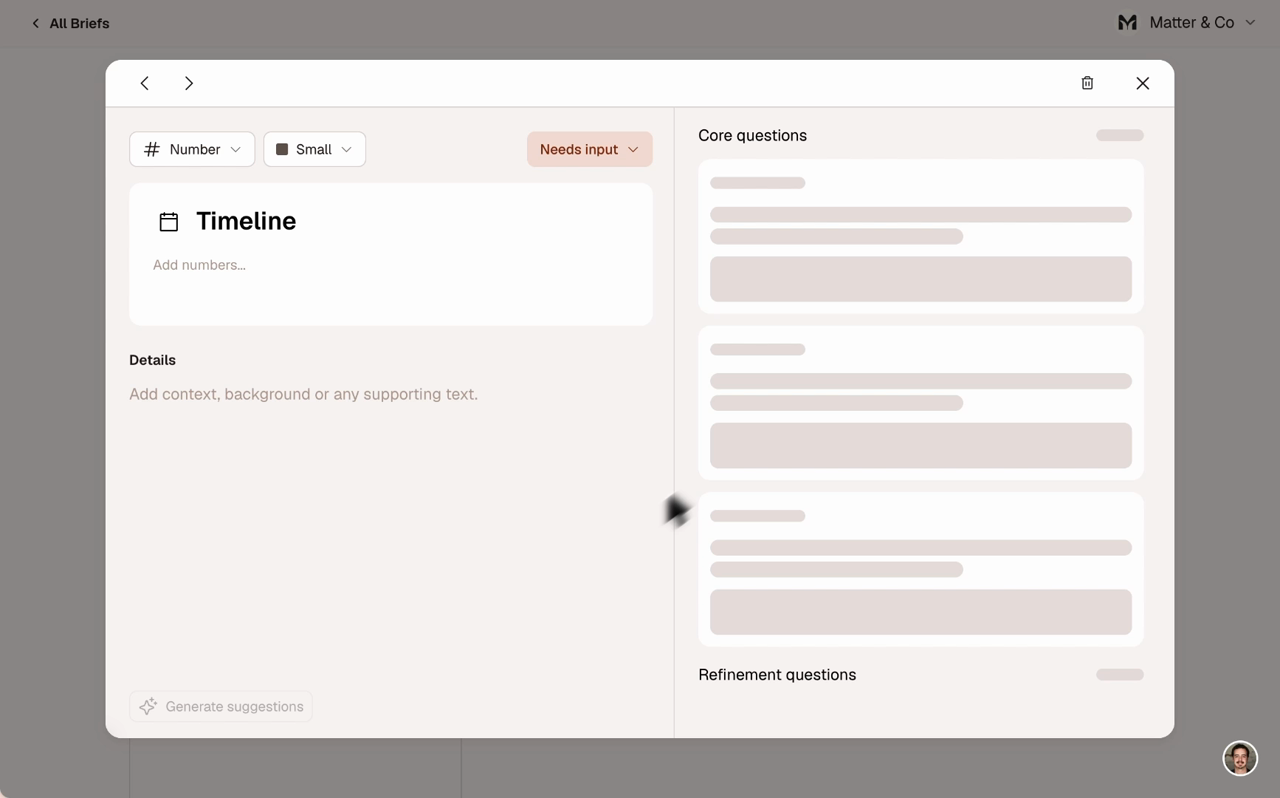
Spot the blocks that still need input
Blocks with an unanswered core question or no content carry a Needs input chip. Hover it to see why, like "1 core question unanswered". Ready blocks stay clean.
Answer a question straight from the canvas
An empty block now lists its open questions right on the card. Click one and the detail view opens on that question, ready to type. On mobile it opens on the Questions tab.
Status at the block level
Each block has a Status select in the detail view: Needs input or Ready. Auto Status updates it as questions get answered. Change it yourself and Auto Status turns off for that block.